Put Pixels in Their Place
A screen is a supporting actor. It should carry slides, live camera close-ups and mood content at a size and brightness that fits the room, the lighting and the camera, while the presenter stays the focus.
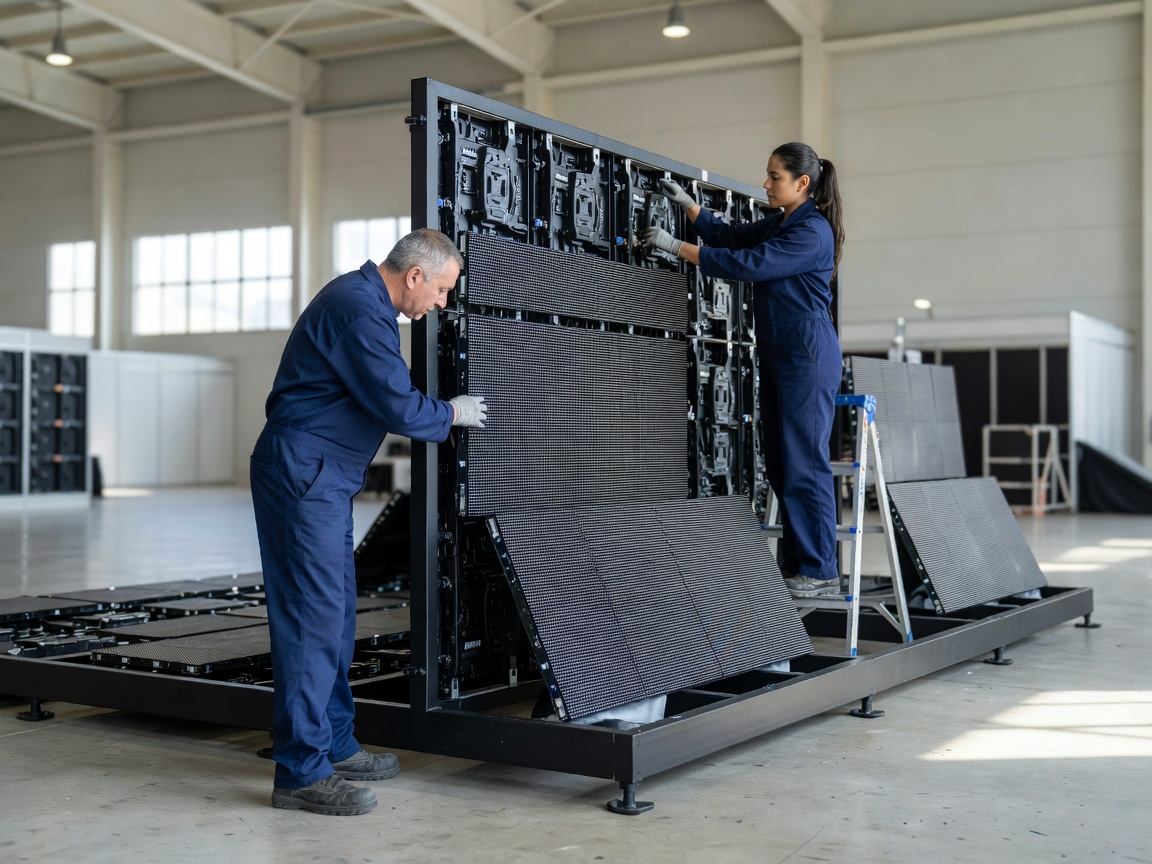
LED walls: pitch, distance and brightness
LED walls are built from tiles. The distance between pixel centres is the pixel pitch, given in millimetres. A common rule of thumb says the closest comfortable viewing distance in metres is roughly equal to the pitch in millimetres: a 3.9 mm wall looks smooth from about four metres back. Smaller pitch means more pixels, more cost and more processing.
Brightness is measured in nits. Indoor walls can run far brighter than a room needs; at full output they wash out presenters on camera and tire the audience. Expect your video engineer to run the wall well below its maximum and to set levels together with the lighting designer.
Camera close-ups of an LED wall can show moiré patterns or scan lines. Refresh rate, scan settings in the processor and camera shutter all play a part, which is why the wall should be checked through the actual show cameras.
Projection and projection mapping
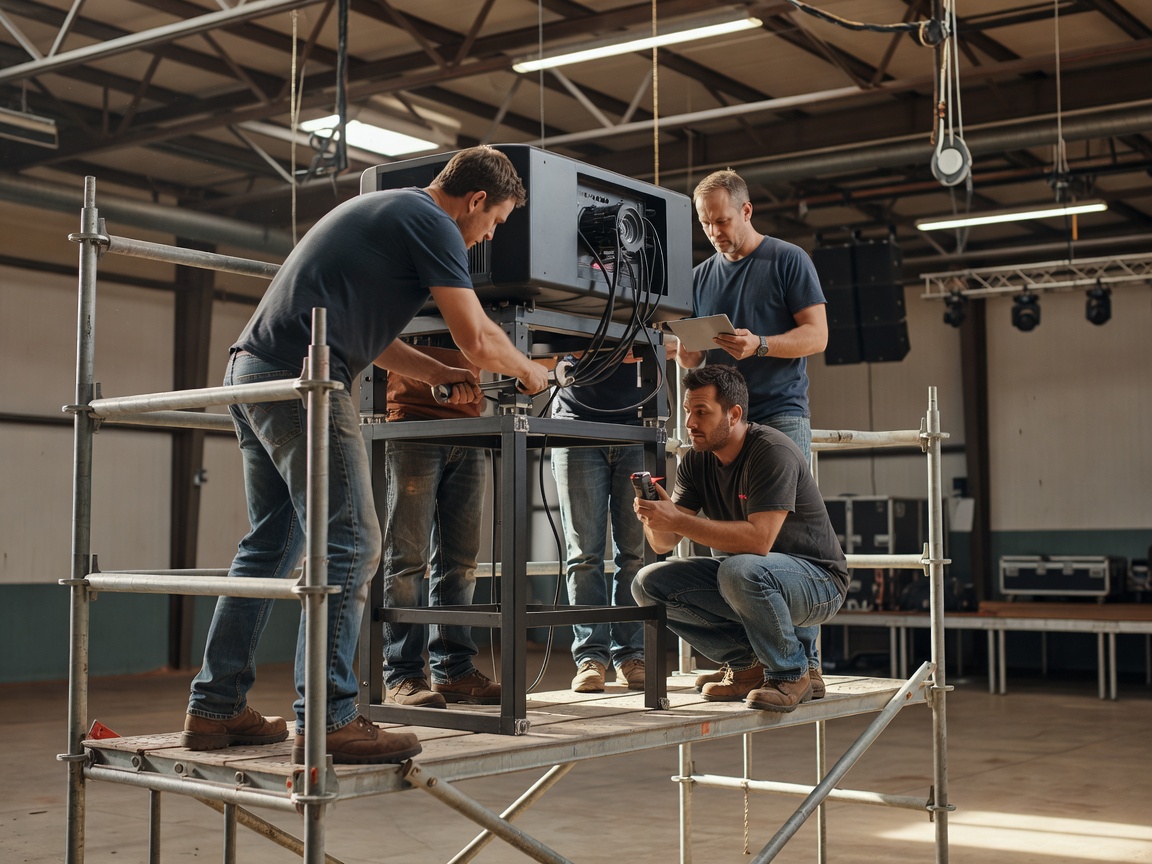
Projection remains useful for large or unusual surfaces. The key numbers are brightness in lumens, the size of the image and the ambient light in the room. A projector that looks fine during a dark rehearsal may struggle once house lights and stage wash are up. Throw ratio decides where the projector can sit; edge blending lets several projectors form one wide image.
Projection mapping fits content to a three-dimensional surface such as a building façade or a sculpted set. It depends on an accurate survey of that surface and content built to the exact geometry. Media servers such as disguise, Dataton Watchout or Resolume Arena handle warping, blending and playback. Allow time on site for alignment; it cannot be done reliably from a laptop at the last minute.
Video signal path
Presenter laptops rarely connect directly to the wall. Their output goes through switching and processing first, and every link is a handoff point.
- Sourcesslides, cameras, playback
- Vision switcherselects and layers
- Media servermaps and scales
- LED processormaps to tiles
- Wall or projectorfinal image
The same switcher output often feeds the stream encoder and confidence monitors at the stage edge. Ask for a drawing that shows every output and who controls it.
The content handoff
Most screen problems start with content, not hardware. Request a pixel map from the video team: the exact canvas resolution, the aspect ratio and where safe areas sit. A 16:9 slide on a wide 32:9 wall needs a plan, either side panels with branding or a split layout. Fonts that look fine on a laptop can be unreadable at the back of a hall.
- Video team issues pixel map and file specs.
- Content team delivers drafts at the right canvas size.
- Presentations collected and loaded by a deadline.
- Playback checked on the wall from the back row.
- Speaker changes logged and reloaded by one operator.
| Task | Organizer | Video engineer | Qualified rigger / structural |
|---|---|---|---|
| Screen size and position | States purpose | Recommends | Checks loads |
| Pixel map and specs | Distributes | Creates | — |
| Flown or ground-stacked wall | Confirms venue approval | Specifies weight | Designs, builds, certifies |
| Brightness levels | Approves look | Sets with lighting | — |
| Presentation collection | Enforces deadline | Loads and tests | — |