Carry the Voice Across the Room
At most corporate events, conferences and presentations, the most important sound is a human voice. The audio system succeeds when a person in the last row and a viewer on a laptop both understand every word without effort.
Coverage before volume
Intelligibility depends on how evenly sound reaches the audience and how much the room's reflections muddy it. Engineers sometimes describe this with the Speech Transmission Index (STI). A hard-walled ballroom can make a powerful system sound unclear, while a modest, well-aimed system can sound excellent.
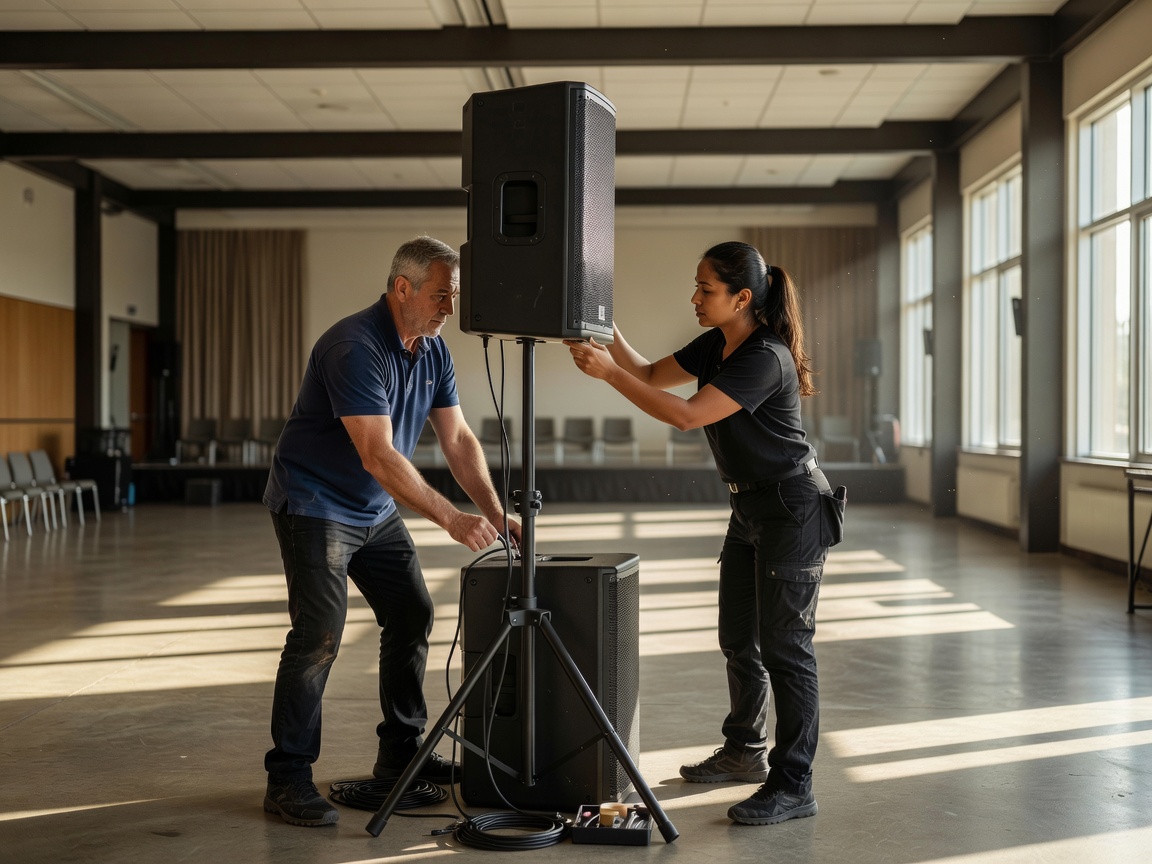
In deeper rooms, the main speakers may be supported by delay or fill speakers further back. Their signal is delayed so it arrives in time with sound from the stage, keeping the voice anchored to the presenter. Line-array systems from manufacturers such as L-Acoustics or d&b audiotechnik are designed with prediction software so coverage can be modelled before load-in; engineers then verify it with measurement tools like Smaart.
Microphones and wireless planning
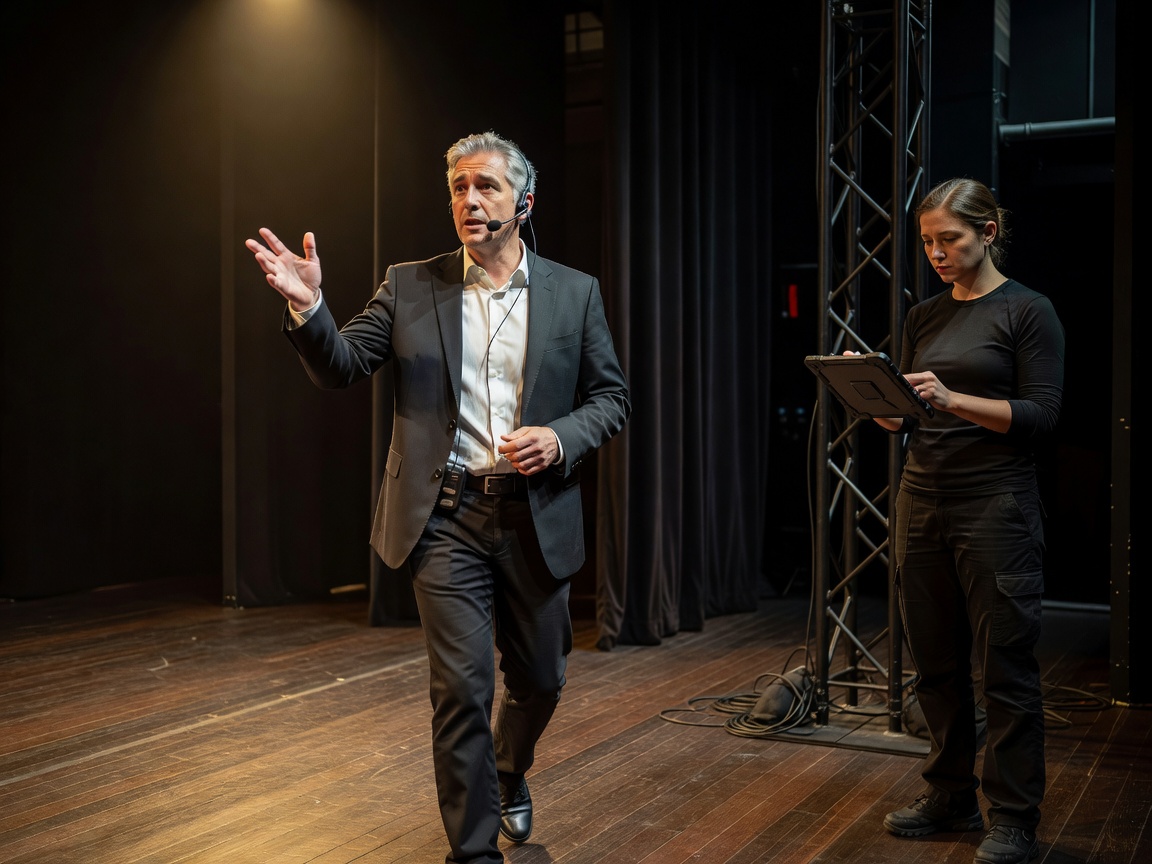
Microphone choice is a coordination decision. Lavalier microphones are discreet but pick up clothing noise and lose level when a presenter turns their head. Headset microphones stay close to the mouth and give more gain before feedback, which matters when presenters walk in front of speakers. Handhelds are robust for Q&A but occupy a hand.
Wireless systems need frequency coordination, especially in city venues with neighbouring events. Tools such as Shure Wireless Workbench help engineers plan channels around local licensing rules. Ask how many channels are planned, how batteries are managed and how a microphone swap between speakers is handled.
Audio signal path and the stream mix
Many modern systems carry audio over a network using Dante or AES67. This saves cable but means audio, like lighting, depends on network configuration.
- Microphonevoice source
- RF receiverwireless link
- Stage boxanalog or Dante
- Consoleroom and stream mixes
- Processor and ampsroom speakers
- Encoder feedseparate stream mix
The room mix and the stream mix are not the same. The room already contains acoustic sound from the stage; the stream does not. A stream mix usually needs more voice, gentle compression and a consistent loudness target. Ask who mixes it and how they monitor it.
Changeovers and accessibility
Most audio problems on show day happen at changeovers: a new panel arrives, a microphone is still muted, or a video with sound plays from a laptop nobody patched. Write changeovers into the cue sheet.
- Stage manager stands by audio for panel walk-on.
- Previous presenter's microphone faded and muted.
- Panel microphones unmuted on the walk-on cue.
- Playback audio from video server checked in rehearsal.
- Audience Q&A microphones handed out by runners.
Accessibility is part of the system design. Hearing loops built to IEC 60118-4, or infrared and RF assistive listening systems, let people with hearing aids receive the direct feed. Live captioning often takes its source from the same console. Plan these with the audio team rather than adding them on the day.
| Task | Organizer | Audio engineer | Qualified electrician / rigger |
|---|---|---|---|
| Number of voices per segment | Provides | Plans channels | — |
| Speaker design and coverage | Shares seating plan | Designs and measures | Flies speakers |
| Wireless frequency plan | — | Coordinates | — |
| Hearing loop or assistive listening | Requires it | Specifies and tests | Installs if fixed |
| Stream mix | Approves loudness | Mixes and monitors | — |