Coordinate Cues and Streams
Lighting, screens and audio can each be excellent and still produce a messy show if they move at different moments. Operations is the discipline that makes them move together, and carries the result to an online audience.
Map your production systems
A system map is a one-page view of what each department needs from the others. Fill it in with your suppliers during planning. Every arrow between two columns is a handoff, and every handoff is a place where something can be forgotten.
| System | Needs from others | Gives to others | Handoff risk |
|---|---|---|---|
| Lighting | Running order, camera positions, screen levels | Lit faces, colour balance for cameras | Camera flicker, faces too dark against LED |
| LED / projection | Content at correct resolution, switcher feed | Image for room, IMAG for back rows | Wrong aspect ratio, late slide changes |
| Audio | Speaker list, playback files, seating plan | Room mix, stream mix, assistive feed | Unpatched video audio, muted microphones |
| Cameras / vision | Lighting states, presentation outputs | Programme feed to screens and encoder | Unbalanced white balance, no confidence monitor |
| Streaming | Programme video, stream mix, bandwidth | Online audience, recording | Unstable upload, missing audio |
| Stage management | Cue sheets from every department | Calls, timing, standbys | Outdated running order |
One voice calls the show
In theatre and large events, a stage manager or show caller gives the cues. Each department hears "standby" and then "go" on a talkback system such as Clear-Com or Riedel. This keeps lighting, video, audio and the stage crew moving on one count rather than reacting to each other.
The show caller works from a cue sheet that merges every department's cues against the running order. Producers should make sure the latest running order reaches that person first, then the departments.
Some shows use SMPTE timecode to lock lighting, video and audio to a playback track. That is powerful for repeatable sequences, such as an opening film, but live speeches still need a human caller.
Taking the room online
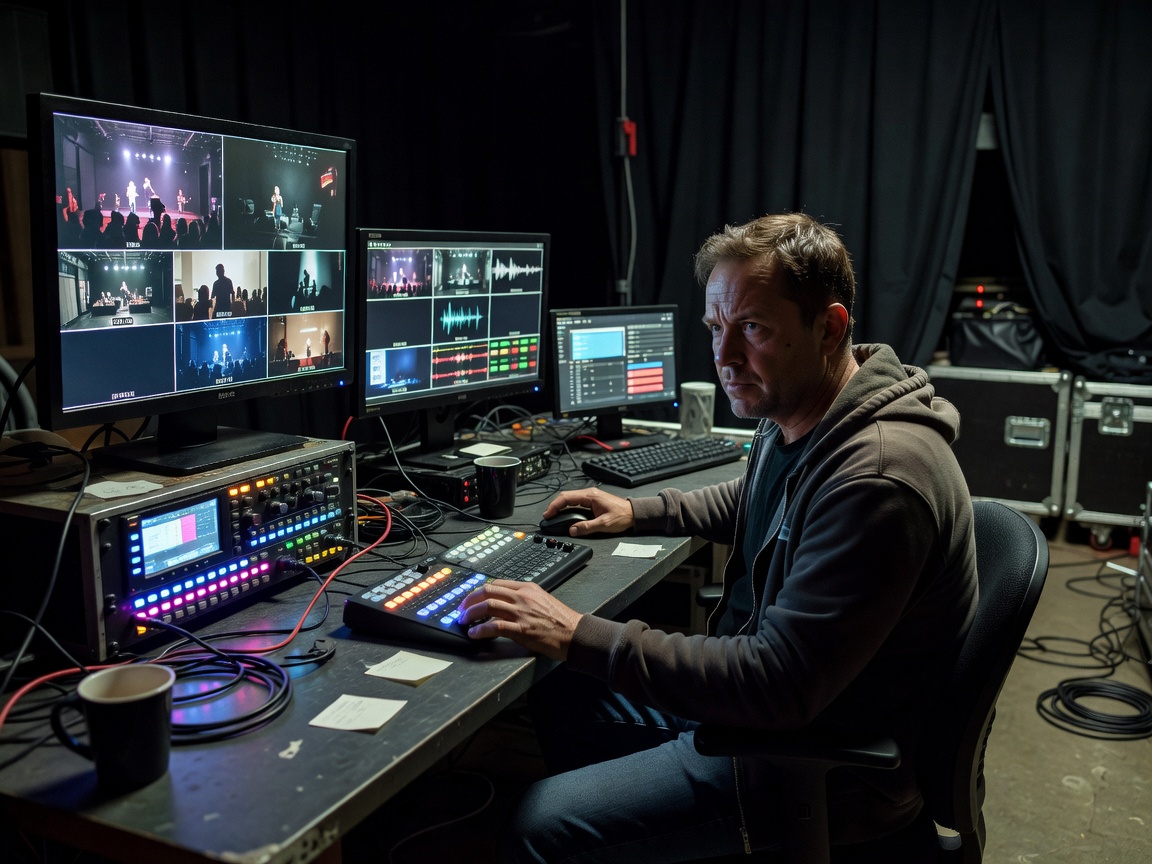
A stream takes the programme feed from the vision switcher and the stream mix from the audio console into an encoder. This can be a hardware encoder or software such as OBS Studio or vMix. The encoder sends to a platform using RTMP or, increasingly, SRT, which handles unreliable networks better. Inside the venue, NDI can move video between computers over the network.
Ask for a dedicated, wired internet connection with upload capacity comfortably above the stream bitrate, often double, and a backup path such as a bonded cellular unit. Record locally as well; a recording saves the content if the connection fails.
Loudness matters online. Broadcast standards like EBU R128 target consistent loudness, and platforms normalise audio differently. Agree a target with your audio engineer so speakers and videos sit at a similar level.
Stage to stream signal path
- Stagelit and miked
- Cameras + slidessources
- Vision switcherprogramme feed
- Audio consolestream mix
- EncoderSRT or RTMP
- Platform + recordingviewers and archive
The rehearsal sequence
Rehearsals are where departments meet each other. A practical sequence for a one-day conference:
- Technical check: each system powered and tested on its own.
- Integration check: lighting states viewed through cameras and on the stream.
- Content run: every slide deck and video played through the switcher.
- Cue-to-cue: show caller runs every transition, skipping long talks.
- Presenter rehearsal: walk-ons, microphones, confidence monitors.
- Test stream to a private link, watched on a phone off-site.
- Doors: house open, preset states, stream holding slide live.
| Task | Producer / organizer | Stage manager | Technical leads |
|---|---|---|---|
| Running order versions | Owns and signs off | Distributes | Build cues from it |
| Cue sheet | Reviews | Compiles and calls | Provide department cues |
| Comms plan | — | Defines channels | Install and test |
| Internet and backup | Books with venue | — | Test and monitor |
| Go / no-go before doors | Decides with leads | Reports status | Confirm readiness |
Have questions before doors? See our cue questions or reach the production desk.